Work at your own rhythm.
Finch takes care of the record. Start the timer and get on with your day; by Friday you can look back and see where the time actually went.
Free right now. No card required.
You do the work. Finch keeps the time.
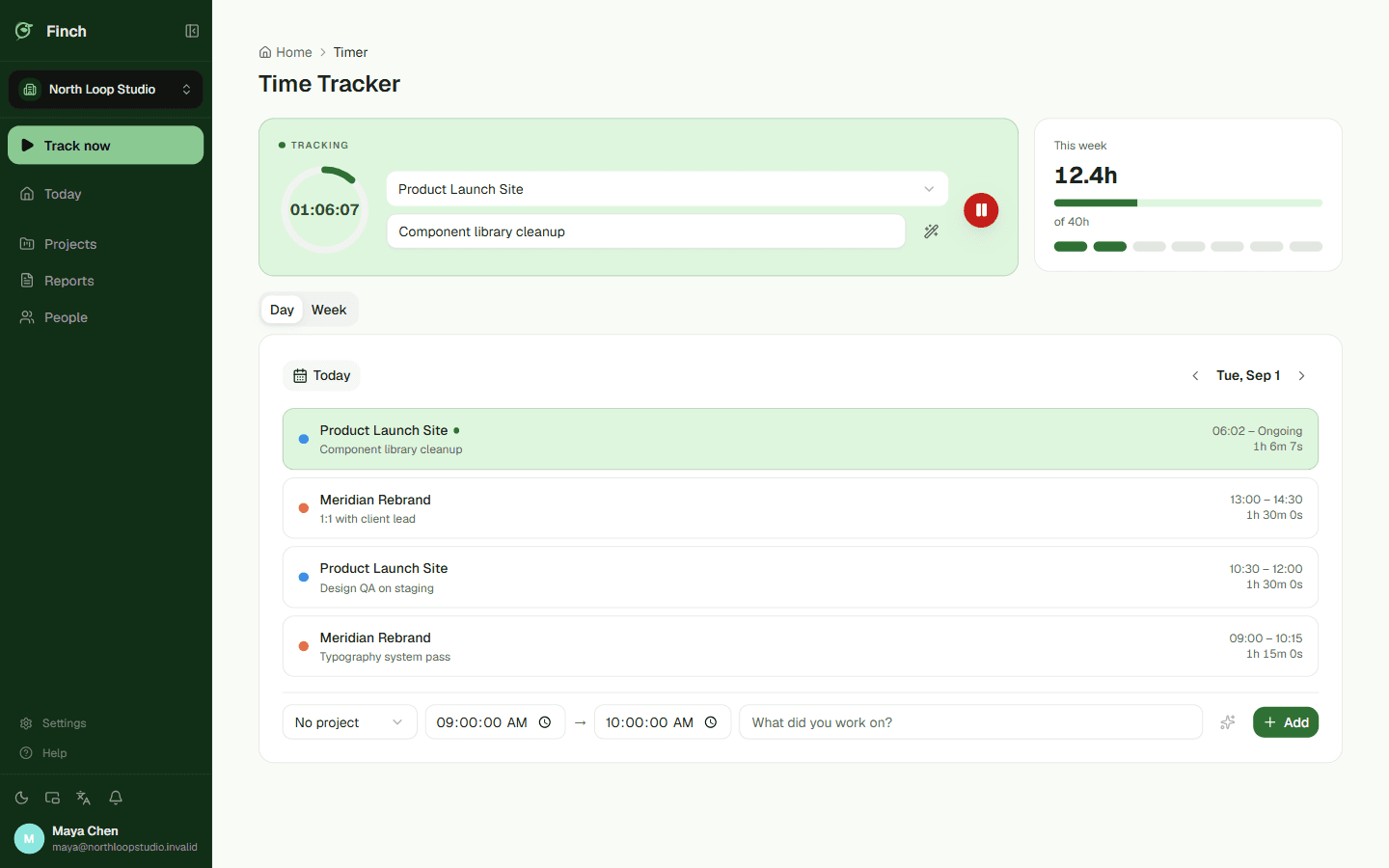
One click to start, another to stop. The timer can sit quietly on top while you work somewhere else. Forget to stop it and Finch closes it out, then reminds you to take a break.
By Friday, the pattern shows.
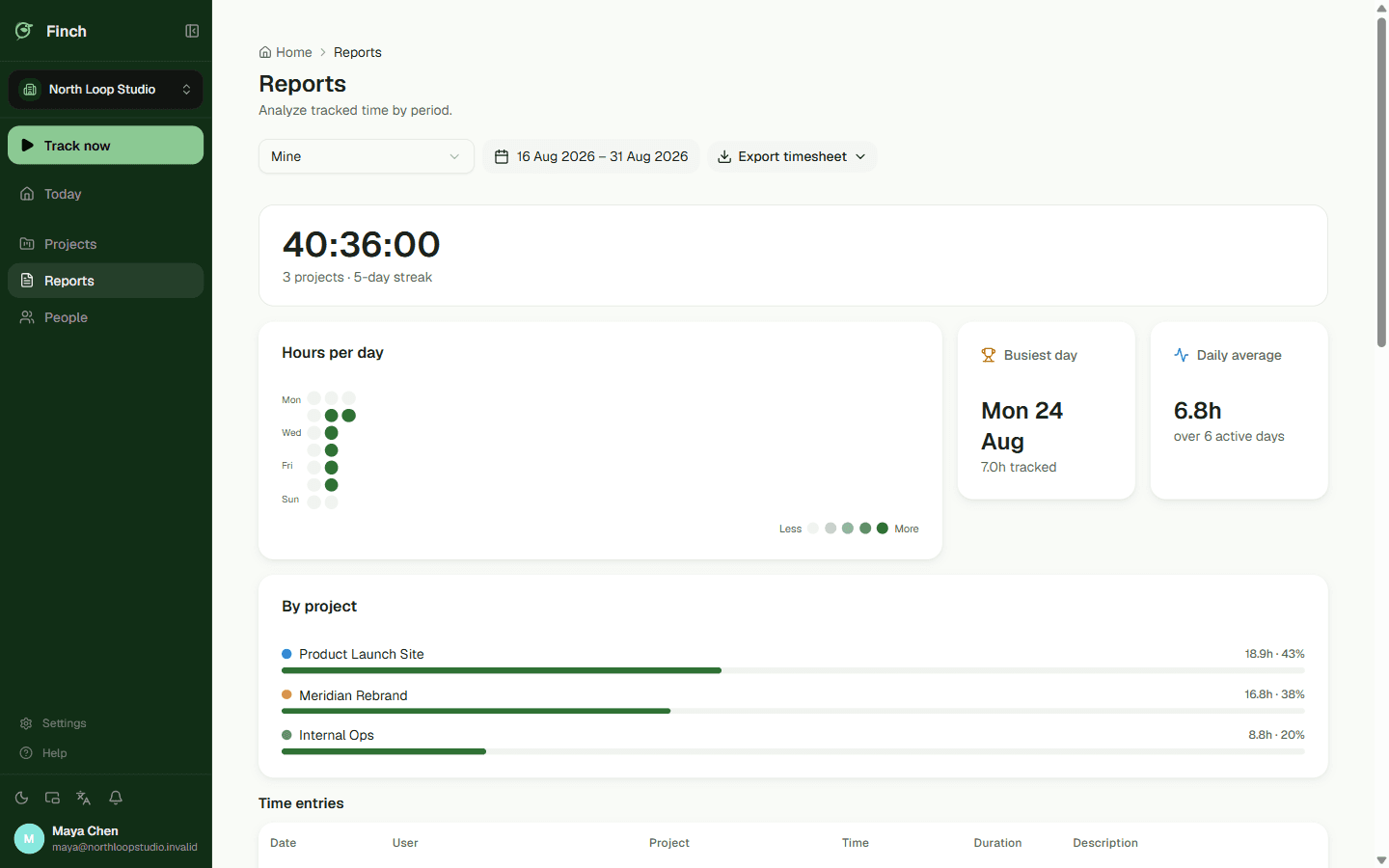
Coloured squares show how the week actually went: light on the quiet days, deep on the full ones. The target is yours too — you set it, you watch it. Need the raw numbers? Export them. Nothing stays locked inside Finch.
- CSV
- Excel
Finch starts with the person doing the work.
Most time trackers are built so a manager can read a report, while the person actually working fills in forms so someone else can take those numbers away.
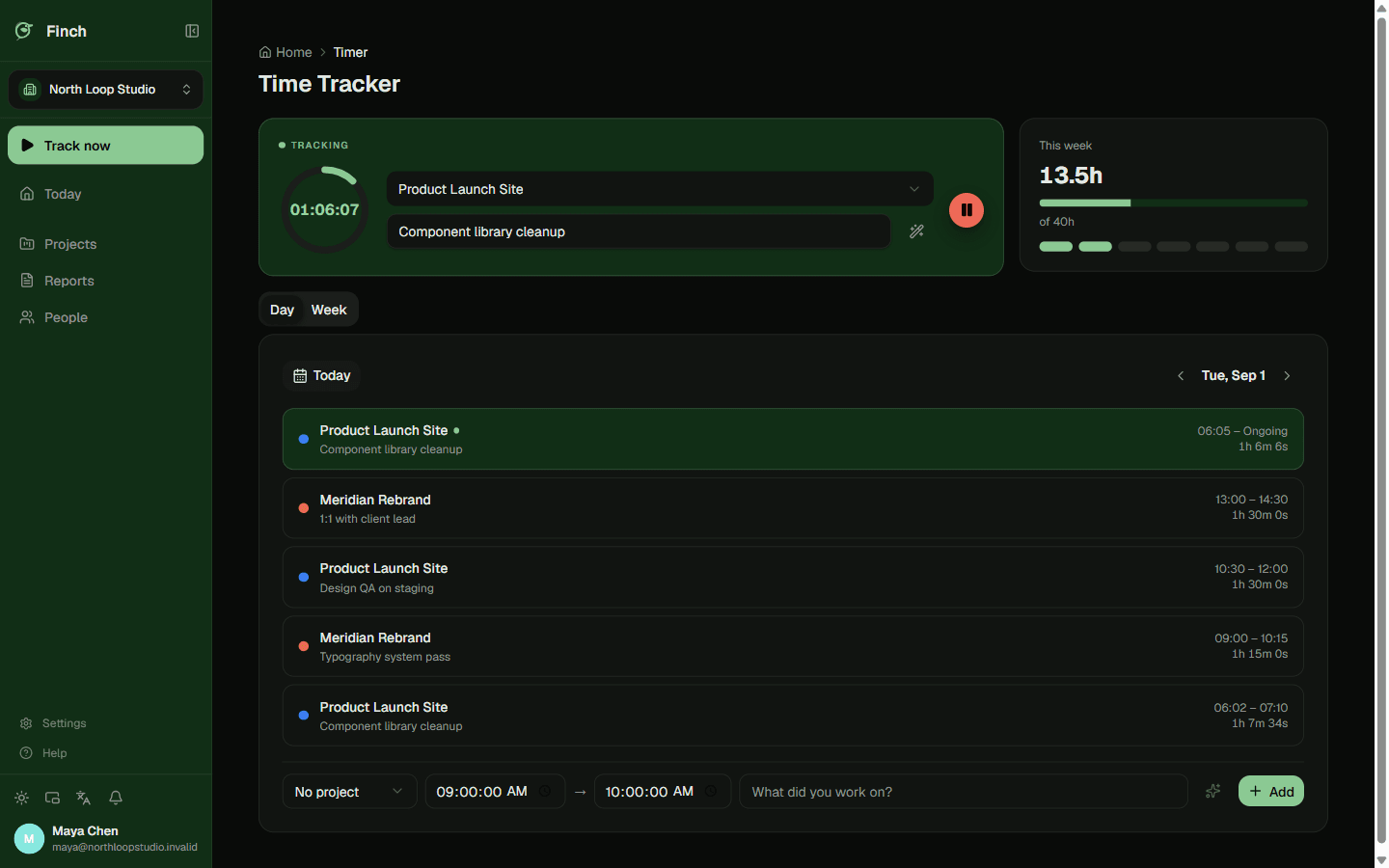
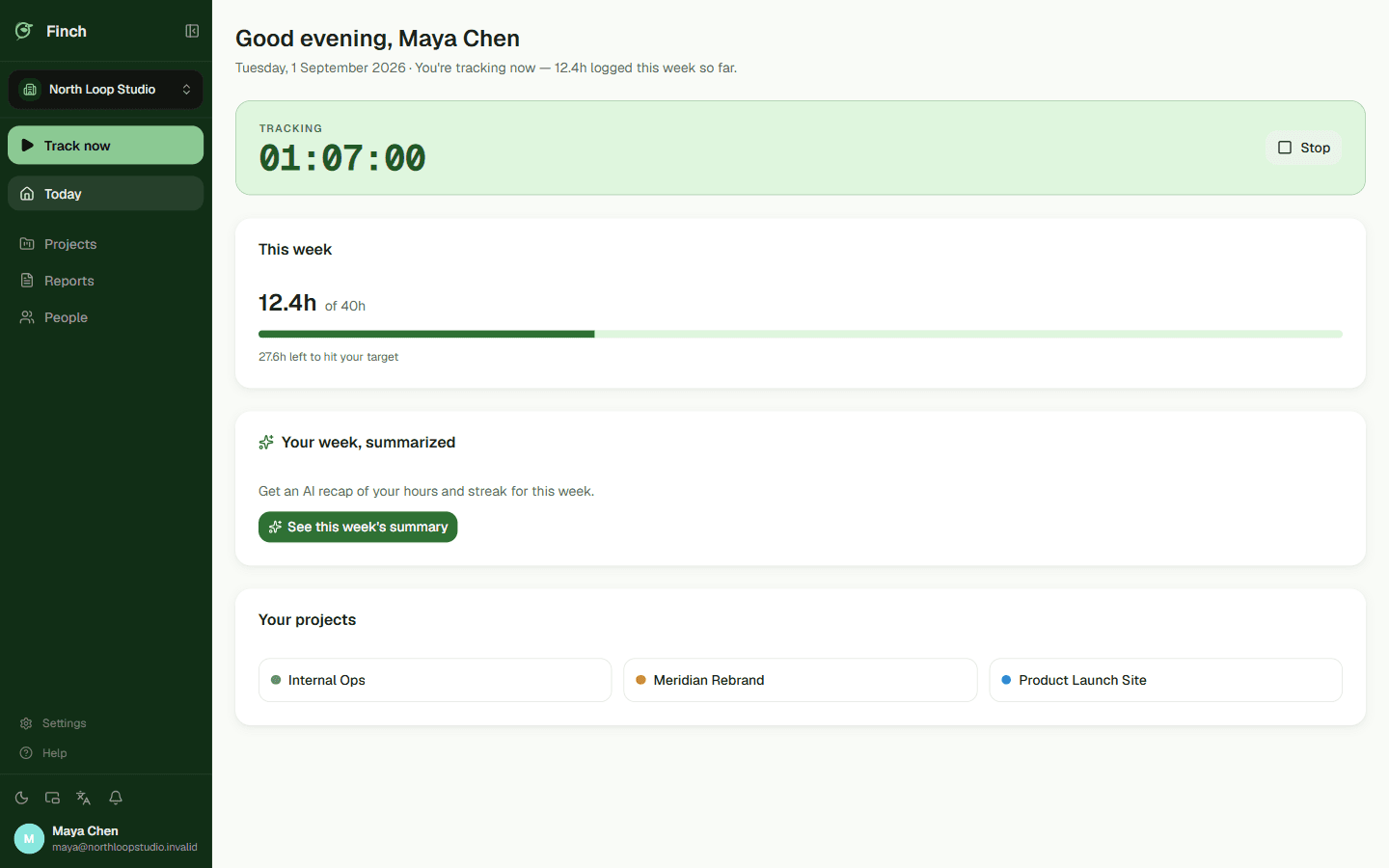
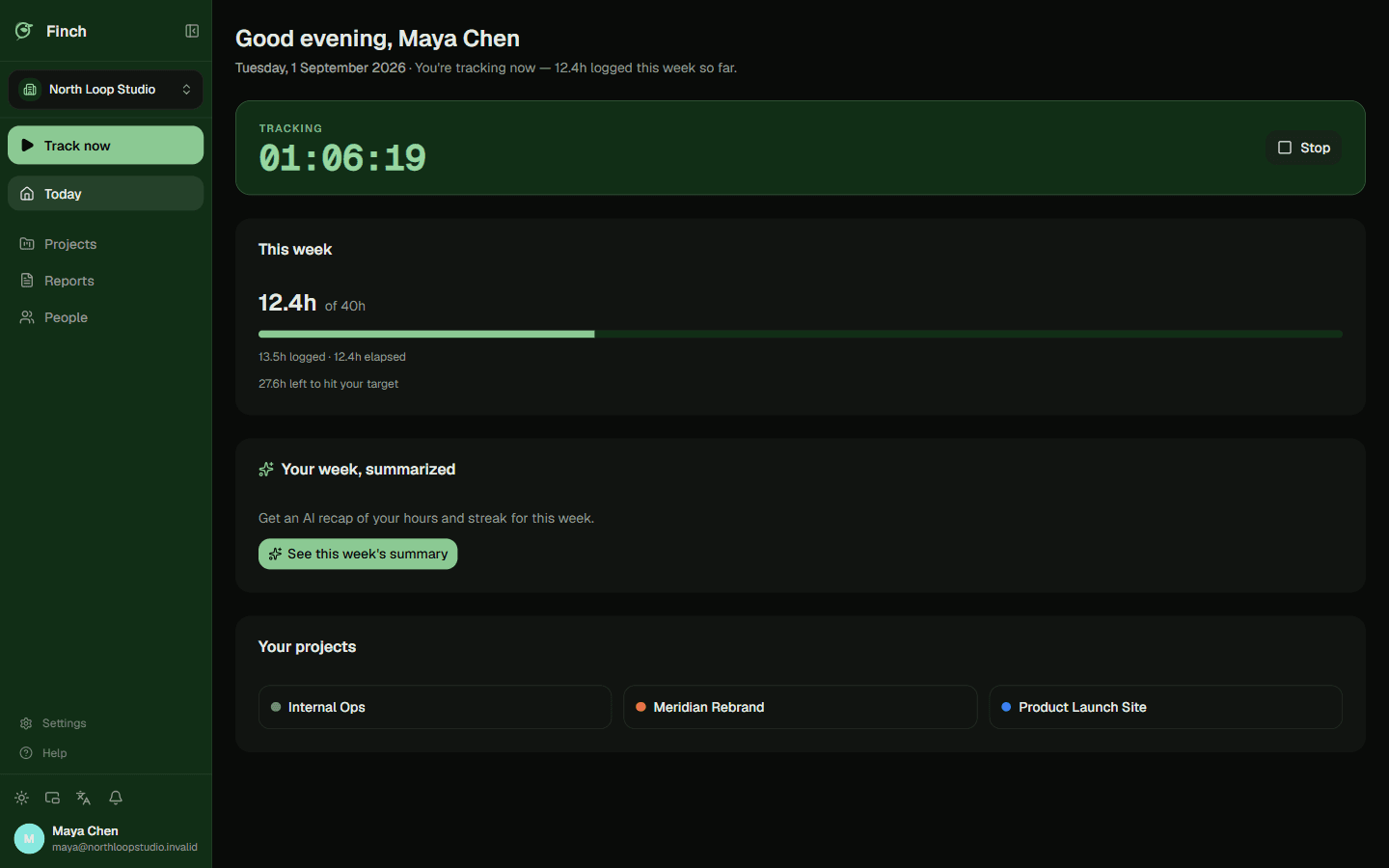
Finch starts from the other side. Open it and you see your day: the timer, the hours behind you, the week's rhythm, your target. Working with a team? The management layer can come later.
What it actually looks like
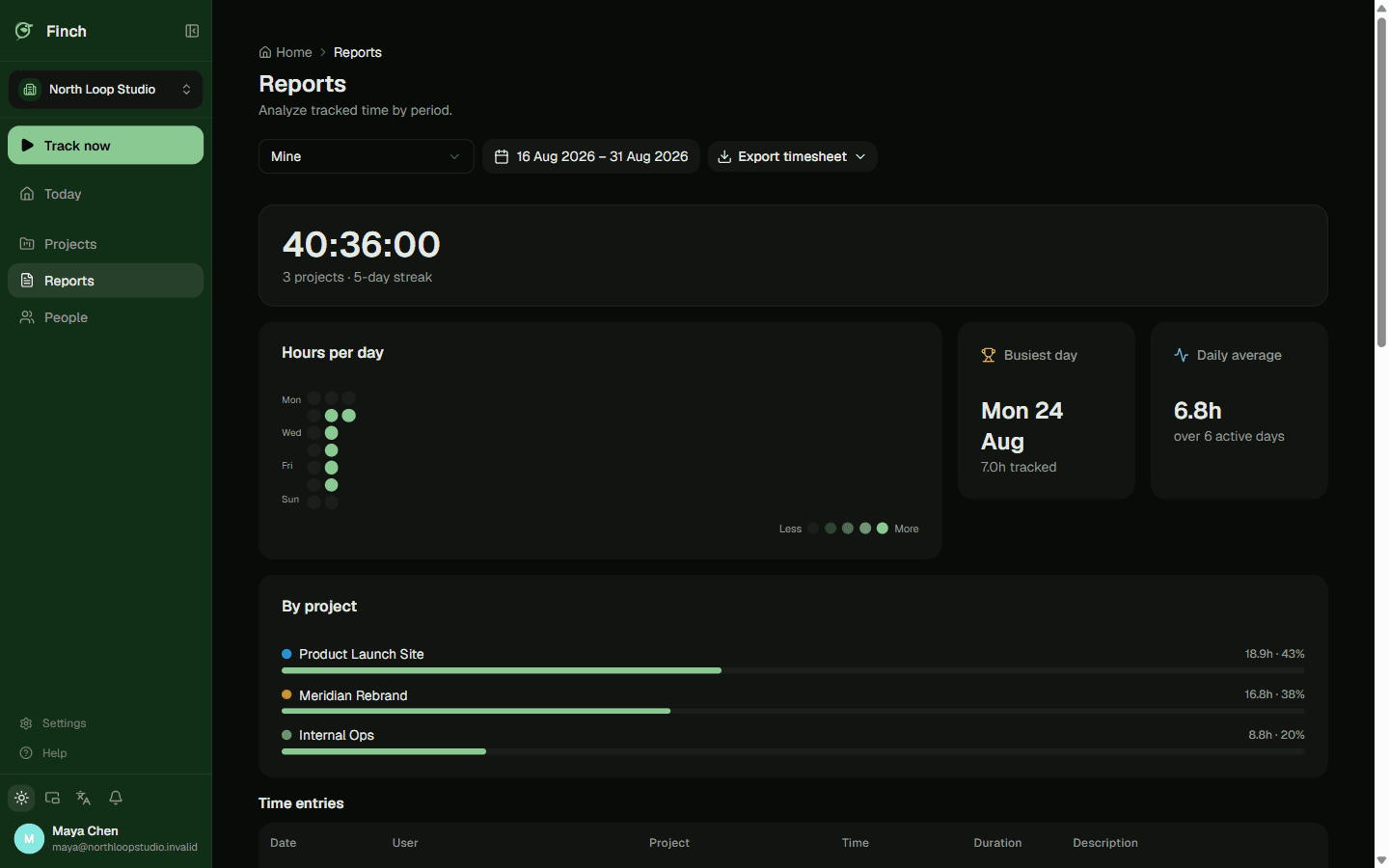
The screens above are drawn. These are real — a small studio's actual week in Finch.
Finch doesn't look over your shoulder.
Time tracking usually arrives with the worry that someone is watching. Finch is built so that worry doesn't apply.
- No screen recording, no automatic screenshots
- No keystroke logging
- No watching which apps or sites you open
- Records time when you press start and stop
- Keeps a log of every edit to an entry, and who made it
- Shows you your own rhythm, and exports it whenever you ask
Finch is free right now. Here's why.
Finch is new, and every feature is open at no cost. No card required, no trial quietly counting down.
If something becomes paid later, we'll say so plainly and in advance — you won't find out from an invoice.
- No card required
- Every feature open
- Told in advance if that changes
Questions people ask
Can I use Finch across several projects and organisations?
Yes. Finch handles more than one organisation at a time, each with its own roles — owner, admin, member — and separate project roles on top of that.
What if I forget to stop the timer, or need to fix an entry?
Finch closes out timers that have run too long and reminds you to take a break; your organisation sets that threshold. And when you edit an entry, the change is recorded along with who made it.
How do I keep an eye on the timer while working in another app?
Pop it out into a floating Picture-in-Picture window. It stays above your other windows, so the running time is still in view.
Is my data locked inside Finch?
No. You can export everything you've tracked as CSV, Excel or PDF whenever you want.
Try it on a real day.
Signing up takes a minute. Use Finch for one working day and see whether it fits the way you work. If it doesn't, nothing holds you here.
Get started freeFree right now. No card required.